maximal
Connect the AI tools you use to the models in GitHub Copilot.
Why try maximal
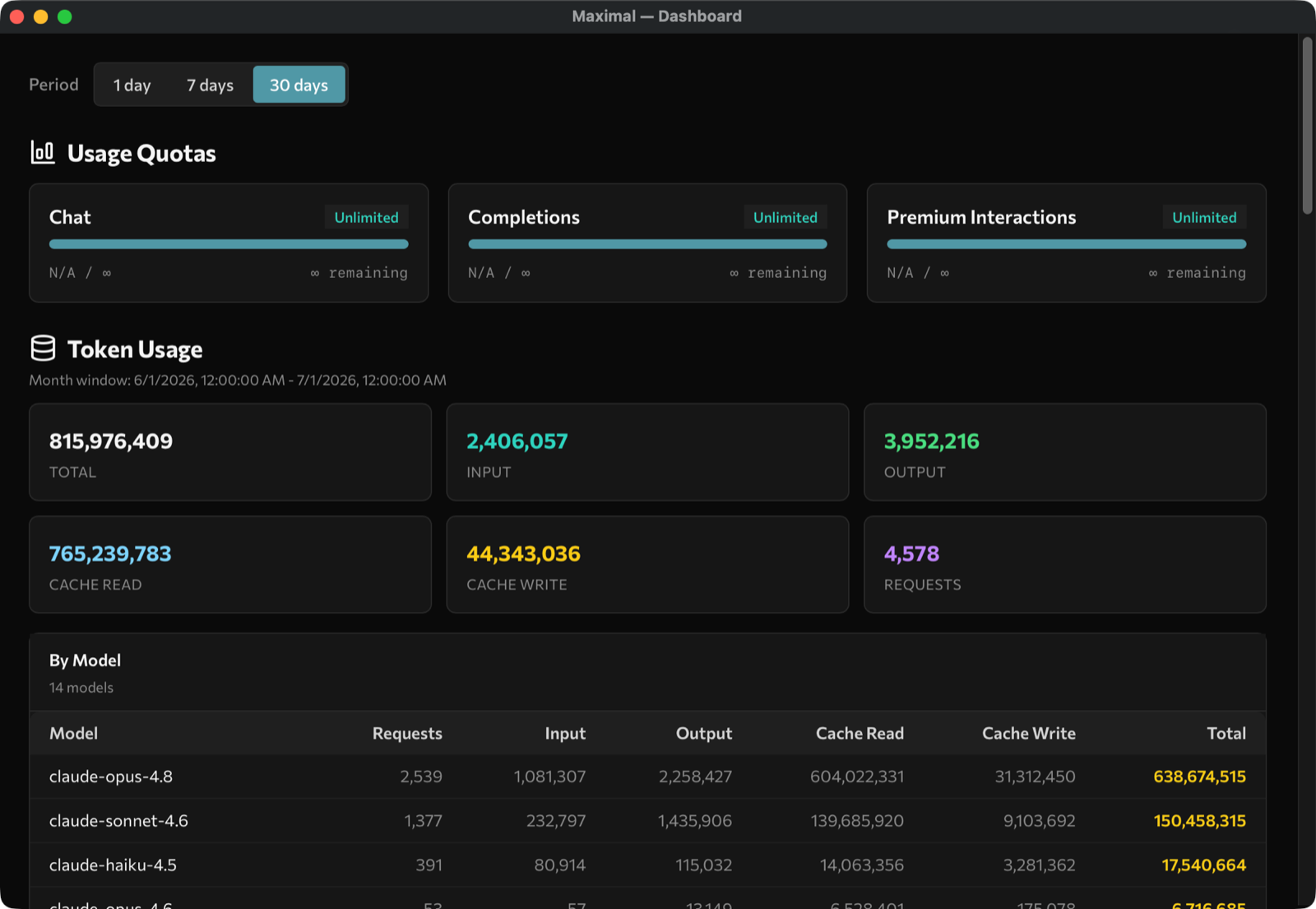
maximal swaps out the engine your AI tools use with the models that power GitHub Copilot. You get all of the agility and creativity without sacrificing the power, privacy, and security of GitHub Copilot.
The tools you use
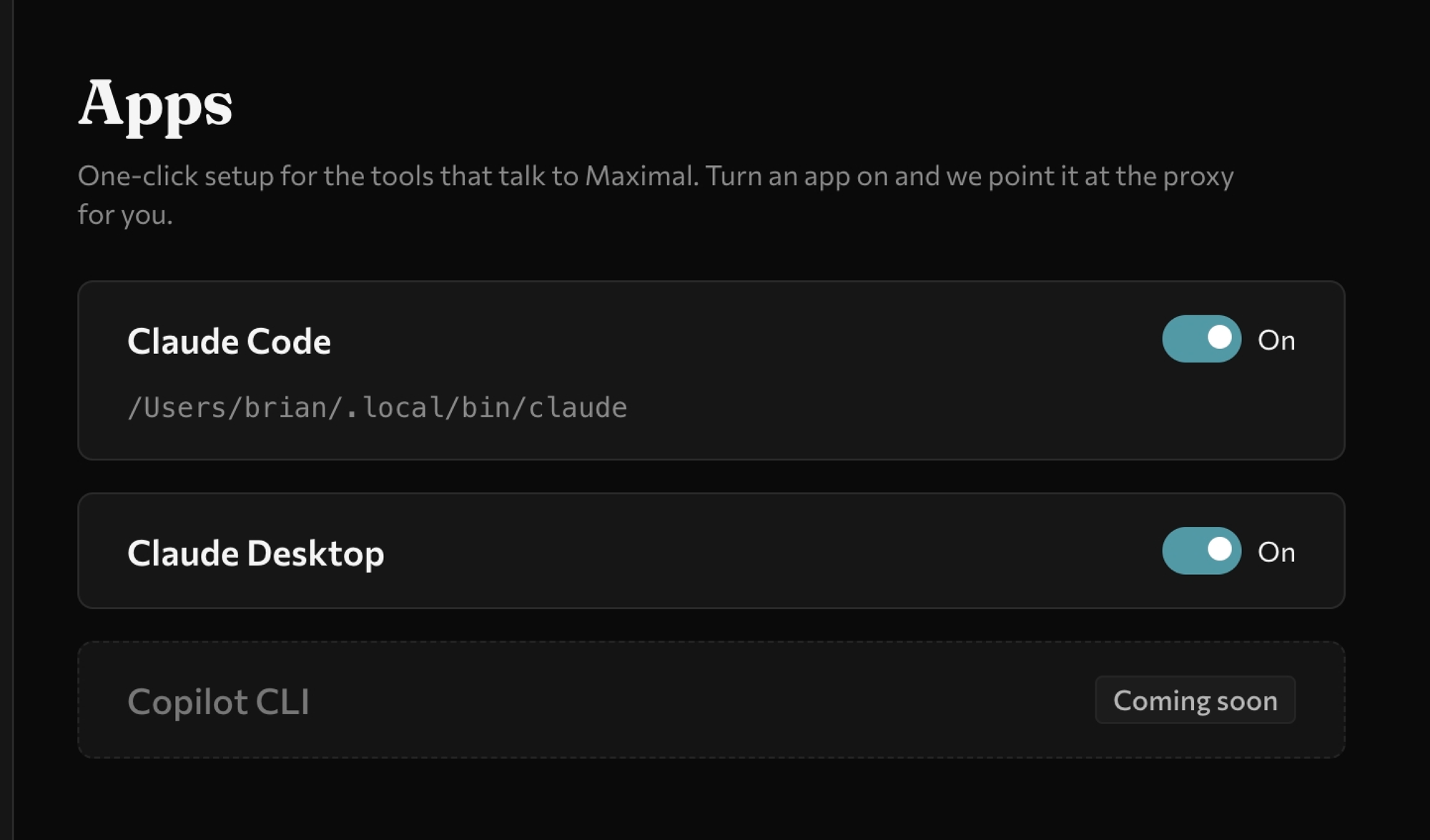
- Claude Code
- Claude Cowork
- Codex
- opencode
- GitHub Copilot
- any Anthropic / OpenAI SDK
maximal
GitHub Copilot Models
- Claude Opus 4.8
- Claude Sonnet 4
- OpenAI GPT-5.5
- OpenAI GPT-5.3 Codex
- Gemini 3 Pro
- …and more
Get started
Up and running in three steps.
-
Install maximal
Grab the app for macOS or Windows; it sits quietly in your menu bar or system tray.
Homebrew and other options are in the README · all releases .
-
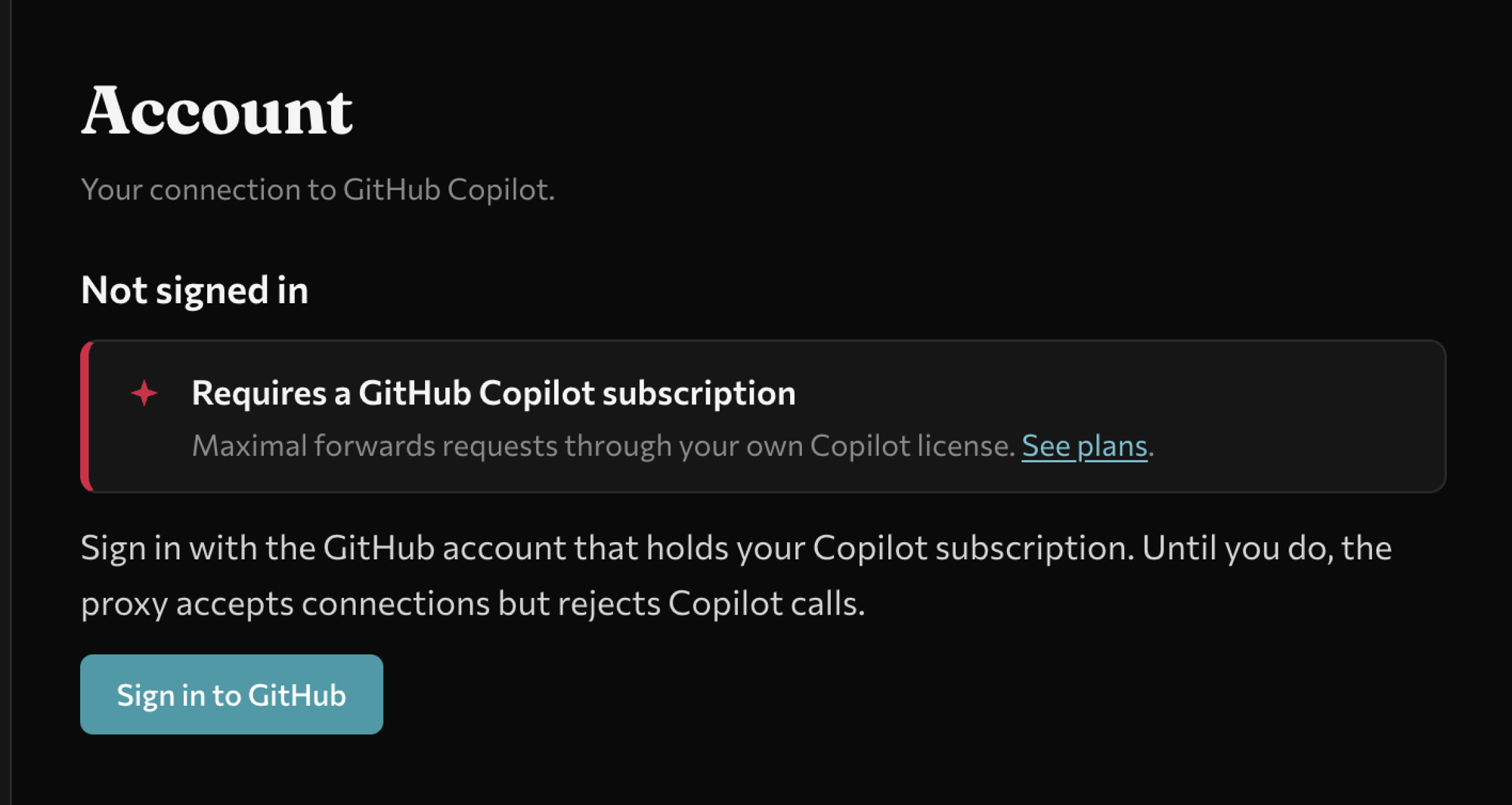
Sign in with GitHub
One click connects your existing GitHub Copilot subscription. No new account, no extra cost.
-
Pick your tools
Point Claude Code, Codex, opencode, or GitHub Copilot at maximal and they run on your Copilot models.